Turn documents into data the smarter way
Upload your documents, write a question per column, and get a table back. Every answer cites the page it came from.
Features
- Multimodal InputsPDF · DOCX · PPTX · XLSX · ImagesDocuments, notes, presentations and images are supported and expertly processed for fast retrieval.
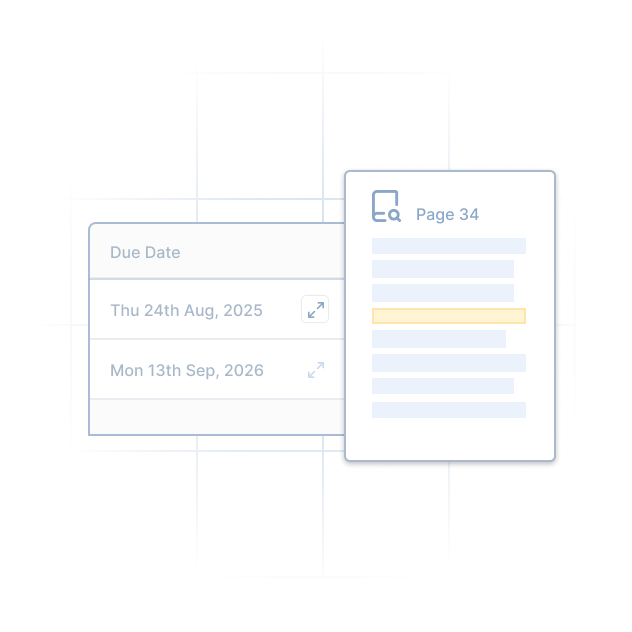
- Grounded CitationsFor every cellBack up each answer, linked to the page it was read from. No need to search the document yourself.
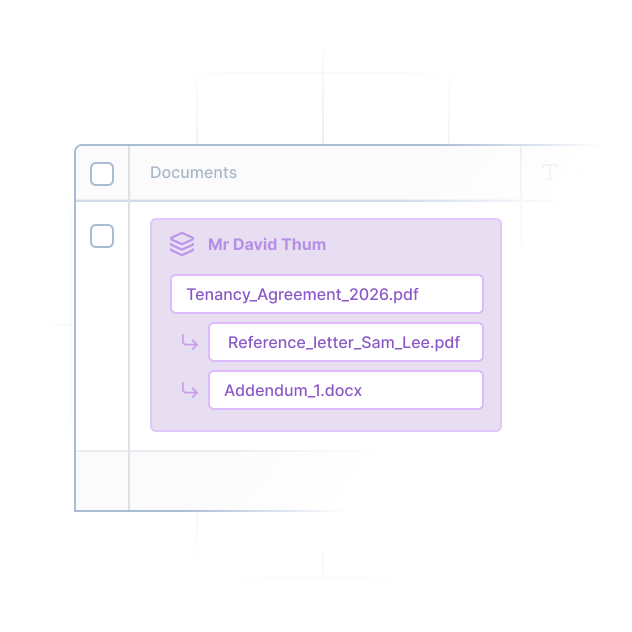
- Document BundlesContext up to 15 docsRows can contain more than one document, adding context for better answers.
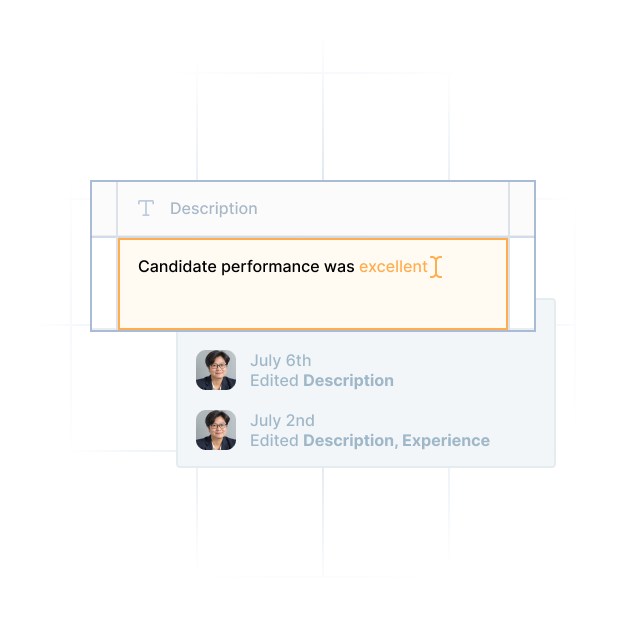
- Cell Version & HistoryAI works with you, not againstFreely typing over a cell keeps the original underneath with who changed it and when.
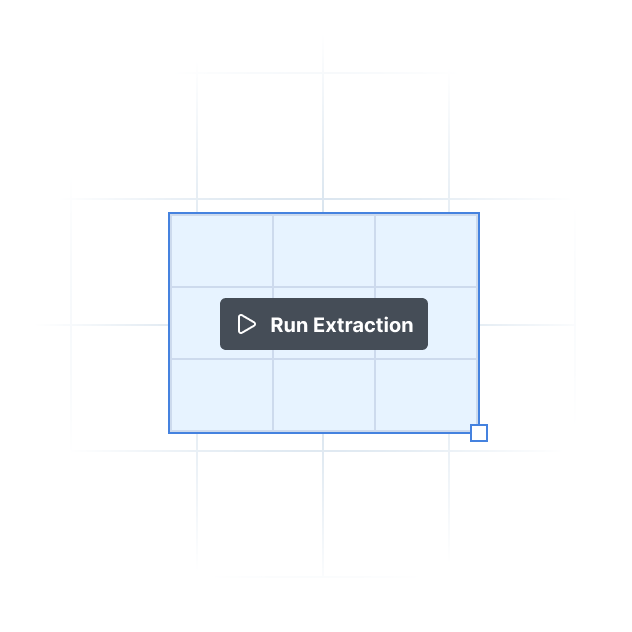
- Granular ExtractionScoped down to cell levelSwitch to manual control and select precisely which rows, columns or single cells to extract from.
- Workspace SharingSuitable for any teamControl Read, Read & Write or Manage permissions to the whole org, a role or one person.
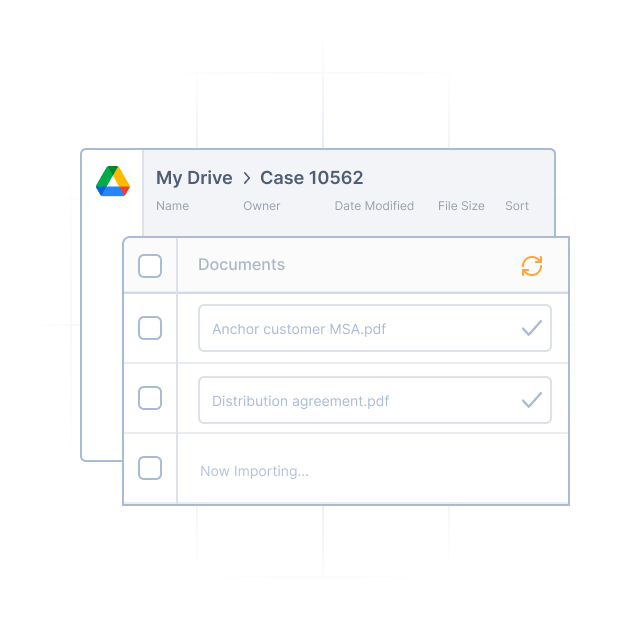
- IntegrationsReady to work the way you doEasily add and automatic import documents and files from Google Drive and/or Sharepoint sites.
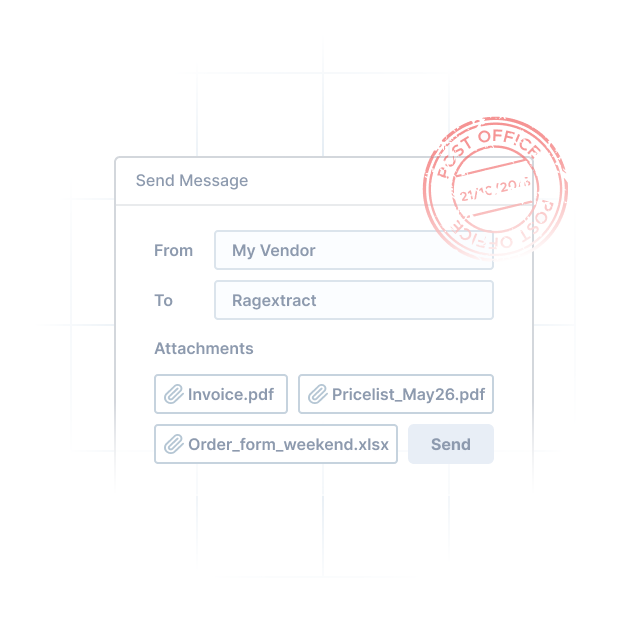
- MailhooksWith authorized senders listSend or forward email attachments to populate your table and we'll do the rest.
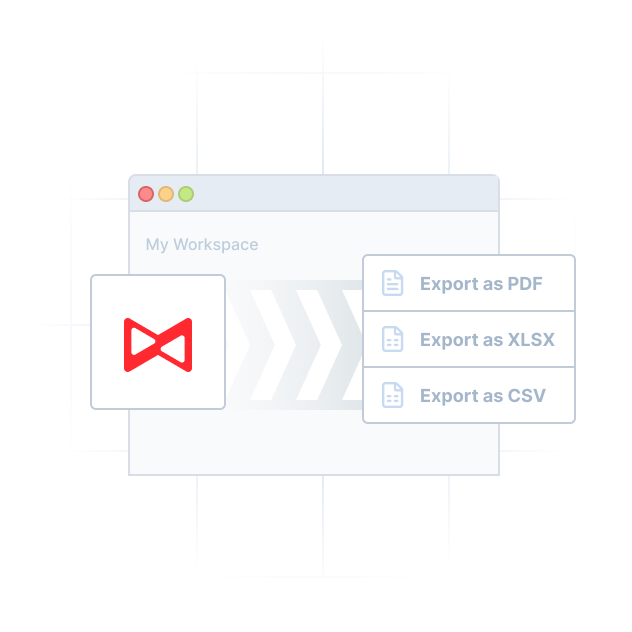
- Bulk ExportsPDF · XLSX · CSVExport to popular formats for your research, reports or to upload into other systems.

Data Privacy
Pricing
- Prepaid credits, no suprise bills
- Unused credits roll over every month1
- Transparent cost preview before every run2
- No credit card required for sign up
- Contact us for more options
FAQs
What is Ragextract?
It turns a pile of documents into a table you can read down a column of. Rows are your documents, columns are questions you write, and every cell is an answer read out of the document with a citation back to the page it came from.
Who is Ragextract built for?
Anyone who has to ask the same questions of a stack of documents rather than read one closely — lease portfolios, credit agreements, bid packages, supplier contracts, clinical protocols, research papers. If the work is “go through these forty and tell me the same three things about each”, that is the shape it fits.
How does Ragextract fit into my daily workflow?
You upload into a workspace once and build the table once. After that it is reuse: adding a column to a year-old table costs no more than adding it on day one, auto mode runs the table against each new document that lands, and the result exports to Excel or CSV. It does not watch anything or send anyone a reminder — you open the table when you need it.
Is Ragextract only for legal and finance work?
No. Those are two of the ten areas covered on the solutions pages; the others are real estate, construction, healthcare, procurement, deal teams, research, compliance and operations. The common factor is documents that arrive in volume and get read for the same handful of facts, not the industry on the cover.
Which files can I upload?
PDF, DOC, DOCX, PPTX and XLSX, plus JPEG, PNG and WebP. Scanned pages and photographs are read as page images at the same rate as any other page, which is also what makes a citation something you can look at. Anything outside that list is refused at upload rather than accepted and then failed.
Are the answers checkable?
Every answer records the page it came from with a confidence score, and clicking a cell opens that page beside the table. You check one page rather than re-reading the document.
Do I need a subscription?
No. Ragextract is prepaid credits and nothing else — no monthly plan, no seat licence, nothing to cancel.
Is there a free trial?
Signing up comes with 2,000 free credits and no card. It is a grant rather than a trial: nothing starts charging you when it runs out.
What does a thousand pages cost?
A thousand credits — $2.50 — to read them, once per document. Answering is charged separately per cell, at four credits for a typed column and around twelve for a list.
How does Ragextract protect my documents and data?
Access is granted per workspace — Read, Read & Write or Manage — to the whole organisation, a role, or one person, and a new workspace starts either readable by the whole organisation or reachable only by its creator and the organisation’s owners and admins, whichever its creator chooses. Uploading never writes back to your file: the original is what every citation points at, and a correction is recorded alongside the extracted answer rather than replacing it. Where documents are stored, who processes them on our behalf, what we do not do with them, and what we do not yet have are set out on the security page.

Start with a document you already have.
Signing up comes with free credits. Upload something real, write two columns, and see whether the answers hold up.